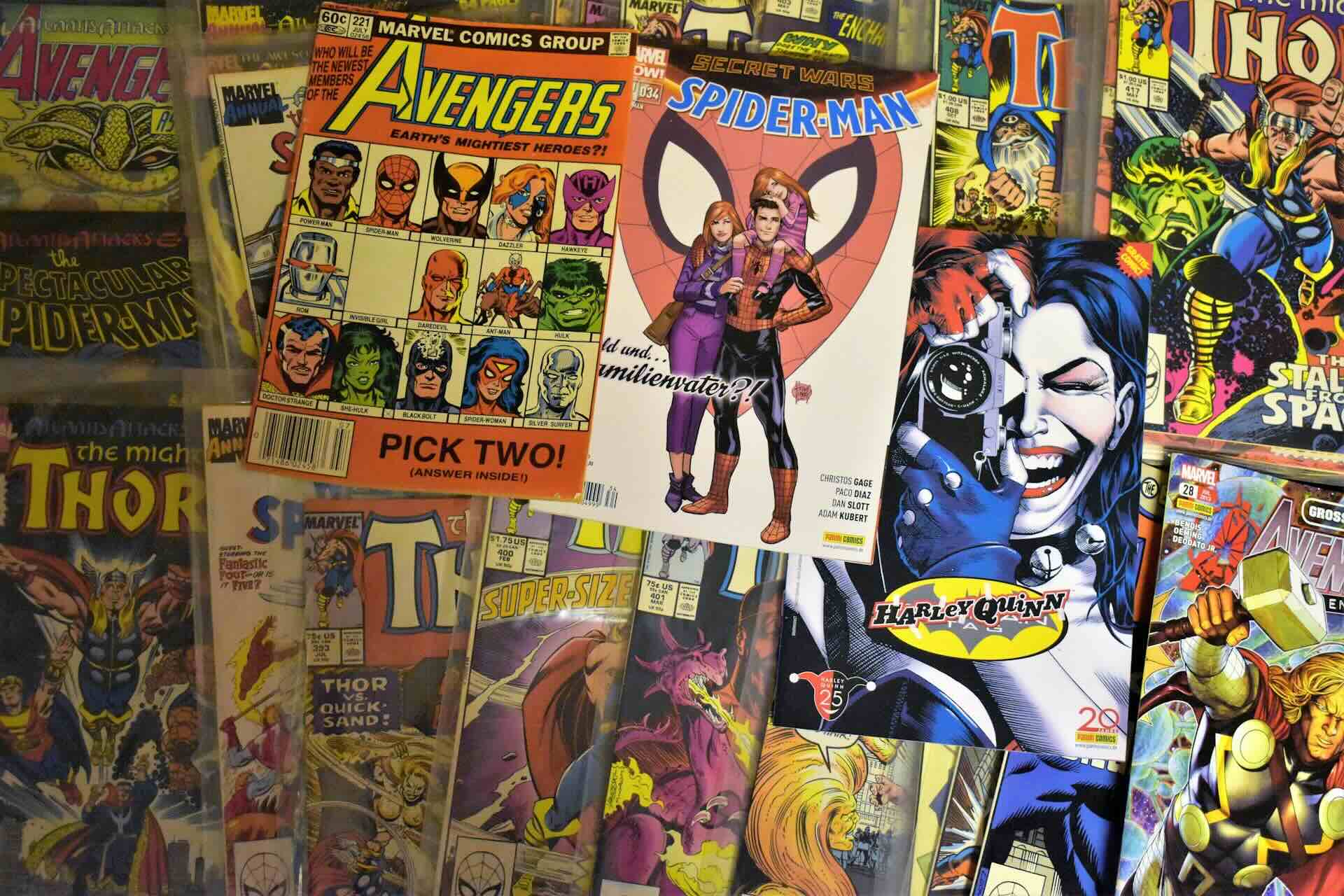
Photo by Waldemar Brandt on Unsplash
Introduction
Like many people, I’ve been fascinated by the rapid progress of generative AI over the past couple of years. We’ve gone from generating images to creating realistic videos with nothing more than a simple prompt. Google recently released Flow, an AI filmmaking tool powered by its latest Veo models. Users receive 50 complimentary credits each day, which can be used across the Veo and Omni models, making it an excellent opportunity to experiment before deciding whether it’s worth paying for.
Rather than creating elaborate cinematic scenes, I wanted to try something much simpler. Could AI bring a comic book cover to life? Could a toy dinosaur suddenly start swimming? Could a dragon figurine breathe fire? The answer was a resounding yes, and the results were surprisingly entertaining. Depending on the model used, the desired video length and the number of credits redeemed, you can comfortably generate one or two videos between 3 and 10 seconds long each day. Not every attempt was successful, but regenerating often produced dramatically different and sometimes much better results.
Why This Is So Much Fun for Kids
Children already have incredible imaginations. A comic book isn’t just a collection of drawings, it’s an adventure waiting to happen. A toy dinosaur isn’t just plastic; it’s exploring an ancient ocean. A dragon isn’t sitting on a shelf; it’s preparing for flight. Tools like Google Flow help bridge that gap by adding just enough movement to make those stories feel alive. The animations are only a few seconds long, but that’s often all it takes to spark curiosity, inspire storytelling and encourage children to imagine what happens next.
Can Google Flow Animate Existing Images?
Absolutely. One of the features I enjoyed most was animating existing images instead of creating scenes from scratch. Whether it’s a comic book cover, a toy dragon, a dinosaur figurine or an action figure, Flow can generate short videos that add subtle movement while keeping the original subject recognizable.
The quality depends on the source image and the prompt, and not every generation is perfect, but with a little experimentation the results can be remarkably entertaining.
Examples
Below are a few experiments I created using nothing more than a single image and a short prompt. The first frame in each video is the original image that was used as the source for the animations.
Venom & Carnage
Prompt
Animate these symbiote action figures.
Create an animated video showing the figures preparing to fight.
Focus on each symbiote in turns and add a spoken dialogue.
Add subtle body movement, cinematic lighting and a gentle camera push-in.
Keep the figures looking like toys.
Add appropriate foley sounds.
The scene ends with both symbiotes charging at each other with dramatic background music.
Tantri the Mantri (Comic Cover)
Prompt
Animate this comic book cover.
Bring the characters to life while preserving the original illustration style.
Add gentle facial expressions, blinking and subtle movement.
Use slow cinematic camera pans to focus on the central character.
Maintain the original comic art style & character likenesses.
Preserve all printed text exactly as it appears.
Tantri the Mantri (Alternate)
Prompt
Animate this comic cover.
Interpret the plot of the cover into an animated video with dialogue.
Characters should move naturally and interact with short dialogues.
Maintain the original comic art style & character likenesses.
Keep all text unchanged.
Suppandi Comic Cover
Prompt
Animate this comic book cover.
The characters should subtly move.
Maintain the original comic art style and add foley sounds.
Preserve every printed element.
Plesiosaurus
Prompt
Animate this toy plesiosaurus.
Transform the surface it's on into an ocean with gentle waves and realistic water ripples.
The dinosaur slowly looks around while swimming and chases a school of fish before grabbing and eating one.
Maintain the appearance of a miniature toy.
Use cinematic lighting.
Toothless
Prompt
Animate this dragon toy.
The dragon blinks, wags its tail and releases small bursts of fire before taking flight.
Add a slight camera orbit and dramatic lighting.
Keep the toy recognizable throughout the animation.
Prompting Tips
One thing I learnt while experimenting is that simpler prompts usually produce better results. Here are a few things that worked consistently:
- Ask for subtle movement rather than dramatic action.
- Mention that the original artwork or toy should remain recognizable & likeness should be maintained.
- Request slow camera movements like a pan, zoom or push-in.
- If you’re animating comic book covers, explicitly ask Flow to preserve all printed text.
- Don’t overload the prompt with too many actions.
- Experiment with different wording, the smallest change can produce very different results.
- Avoid using copyrighted names or registered IP’s. For the Venom & Carnage video generation, since they are Marvel action figures; Flow kept stopping the generation stating that it cannot generate videos of them. You may have better luck describing the characters by their appearance rather than using copyrighted names directly, although success rates are still inconsistent.
The goal isn’t to create a Hollywood blockbuster. It’s to create a fun little animation that makes someone smile.
A Word of Caution About AI
As entertaining as these tools are, it’s important to remember that they are general-purpose AI models, not products designed specifically for children. Even with completely innocent prompts, AI can occasionally generate unexpected results. Characters may appear distorted. Objects might suddenly change shape. Occasionally something inappropriate or unsettling may appear in a generated image or video. For that reason I strongly recommend that younger children use these tools with an adult rather than independently.
Some simple guidelines include:
- Review every generated image or video before showing it to children.
- Avoid prompts involving violence, horror or mature themes.
- Explain that AI isn’t always correct and can sometimes invent things.
- Encourage creativity rather than endless content generation.
- Treat AI as a shared activity rather than a digital babysitter.
Like the internet itself, generative AI is an incredible tool but it works best when used responsibly.
Final Thoughts
Google Flow made it incredibly easy to transform ordinary images into short animated clips. Using nothing more than a few free credits and simple prompts, I was able to animate comic book covers, dinosaurs, dragons and action figures into videos that brought a smile to everyone’s face. Will every generation be perfect? Definitely not. But that’s part of the fun. Half the enjoyment comes from experimenting with prompts and seeing what surprises AI comes up with next.
If you have children who love comics, dinosaurs, dragons or action figures, this can be a fantastic way to spend an afternoon creating stories together; as long as it’s done with appropriate supervision. The technology is improving at an astonishing pace, and I can’t wait to see where it goes next. If you’ve created something fun with Google Flow, I’d love to hear about it in the comments!
Consider subscribing to my YouTube channel & follow me on X(Twitter).
If you have any questions or ran into any issues along the way, feel free to leave a comment below. Share this article if you found it useful!
