How to resize images in Markdown posts
If like me you also write your website posts in markdown, the only way to link images is as follows:
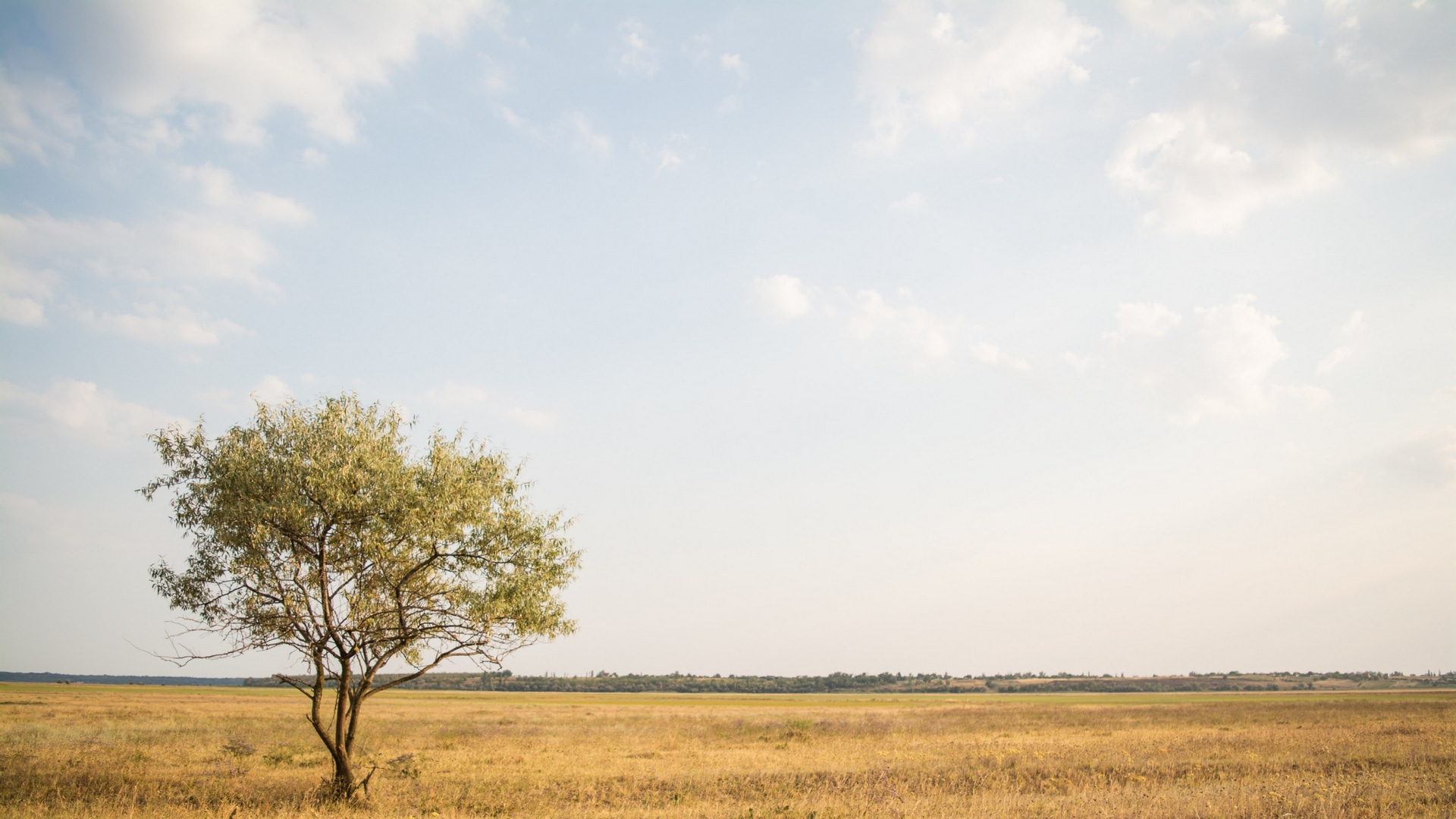
You provide the image’s path whether relative or absolute with the  markdown syntax. This results in the image displaying in full size which is not always optimal.
Result:

There is however a way to size images if your markdown renderer supports HTML like Jekyll for instance. In this case you can link the image using HTML’s image tag as follows:
[<img src="/images/post21/preview-remove-bg-3.jpg" width="100"/>](/images/post21/preview-remove-bg-3.jpg)
Result: Width = 100px
This is a really convenient way to control the size of images. You can specify the height & width as you’d normally do in HTML. You can also specify the size as a percentage!
[<img src="/images/post22/lone-tree.jpg" width="50%"/>](/images/post22/lone-tree.jpg)
Result: Width = 50%
Consider subscribing to my YouTube channel & follow me on X(Twitter). Leave a comment if you have any questions.
Share this article if you found it useful !